
How To Create Your Own ChatGPT Login (Both Free and Premium Subscription Options)

Artificial intelligence (AI) is a super useful tool for our profession as dietitians. You've probably heard about ChatGPT and how it can be used as a content and writing assistant. But you would be surprised at all the ways you can use ChatGPT as a dietitian!
But before we get into how to use AI as your writing assistant, let's back up and get started with how to create a ChatGPT account and your own personal login.
A little more about ChatGPT: OpenAI's ChatGPT is a powerful tool for generating human-like text. According to ChatGPT, "with advanced natural language processing capabilities, this generative pre-trained transformer (GPT-4 model) offers AI chatbot functionality for a variety of applications, from content creation to virtual assistants." I love how it can be it's own spokesperson.
If you're interested in using this AI tool, this article will guide you on creating your own ChatGPT account.
Truth be told, I asked it how to get started and here's what it said:
Getting started
Step 1: Ensure You Have a Stable Internet Connection
Before starting the ChatGPT login process, ensure you have a stable internet connection. Whether on mobile devices or your web browser (like Google Chrome), a strong connection is necessary for accessing the ChatGPT website and servers.
I always use Chrome and also the mobile app. Having both is great because it saves our previous conversations and syncs between to two applications. It also now knows that I'm a dietitian that helps other dietitians get jobs!
Navigate to the website
Step 2: Visit the Official ChatGPT Website
Enter the OpenAI.com website URL into your search engine. The official OpenAI website is your gateway to creating a new account. If you encounter an "Internal Server Error" or similar error message, try refreshing the page or return after a few moments.
- For OpenAI's official website: https://www.openai.com/
- For the chatbot powered by OpenAI, ChatGPT (GPT-3): https://www.openai.com/chatgpt/
Step 3: Navigate to the ChatGPT Login Page
Once on the site, find and click on the "Sign up" button where it will take you to the ChatGPT login page. You can also select the "Log in" link, which will also take you to the ChatGPT login page.

Create an account
Step 4: Sign Up for a New Account
On the ChatGPT login page, select the option to create a new account. You'll be prompted to enter your email address and phone number. Ensure these are accurate for customer service and support team communications.
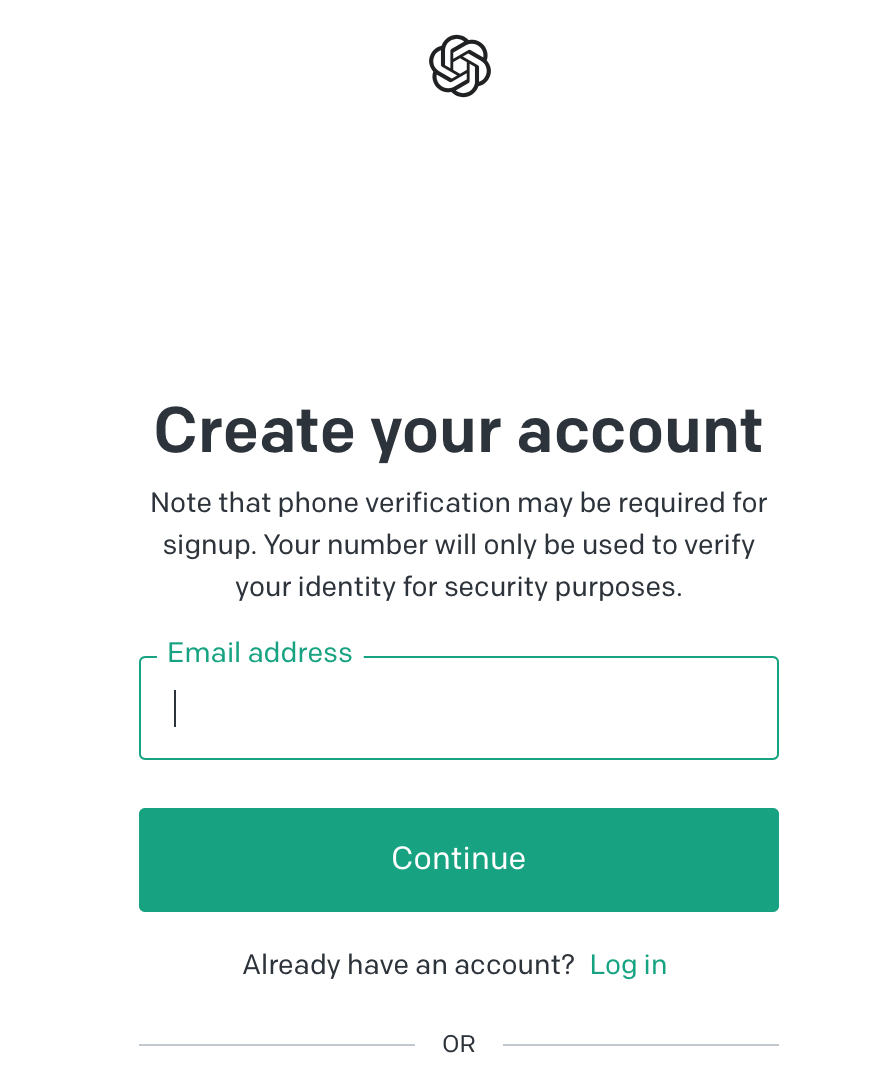
Step 5: Check Your Email for a Verification Code
ChatGPT servers will send a verification code to your provided email address. Check your email, copy the code, then paste it into the text box on the ChatGPT login page to verify your account. It will likely come from OpenAI.

Subscriptions: free and premium
Step 6: Select Your Subscription Option
Upon verification, you'll be able to choose between the free ChatGPT access or the premium version, known as ChatGPT Plus. Both options allow for real-time, human-like conversations with the AI. The ChatGPT Plus, however, offers additional new features, faster response times, and priority access to new upgrades.
I used the free version for a few painful weeks but then upgraded to the premium. I say painful because the free version was slow and unresponsive during peek hours. So I upgraded the the plus version.
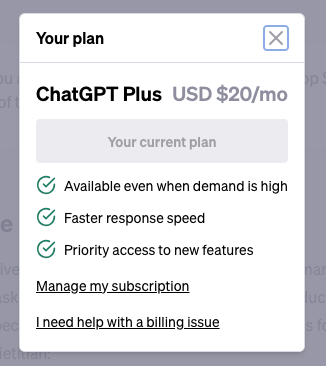
Step 7: Navigate to the ChatGPT Dashboard
Once your ChatGPT account is set up and your subscription selected, you'll be directed to the ChatGPT dashboard. Here you can start experimenting with the AI's capabilities, from language translation to specific tasks like drafting an email or writing an article.
Here's an article with sample prompts, screenshots, and user tips.
Throughout the process, if you run into any issues, such as a login loop or inability to access your ChatGPT login credentials, remember to reach out to the ChatGPT support team for assistance.
It's worth noting that while ChatGPT, as a large language model trained on a large dataset of text, can provide high accuracy, human-like responses, it's not perfect. It might not always understand nuanced requests or may generate text that is inappropriate or off-topic.
Summing it up
Whether you're seeking a powerful language model for various applications or exploring the new frontiers of AI capabilities, creating a ChatGPT account is your first step.
As a user, you'll be joining a global community exploring AI's potential in different locations and a myriad of use cases, all geared towards harnessing the power of this advanced language model for public use.
